
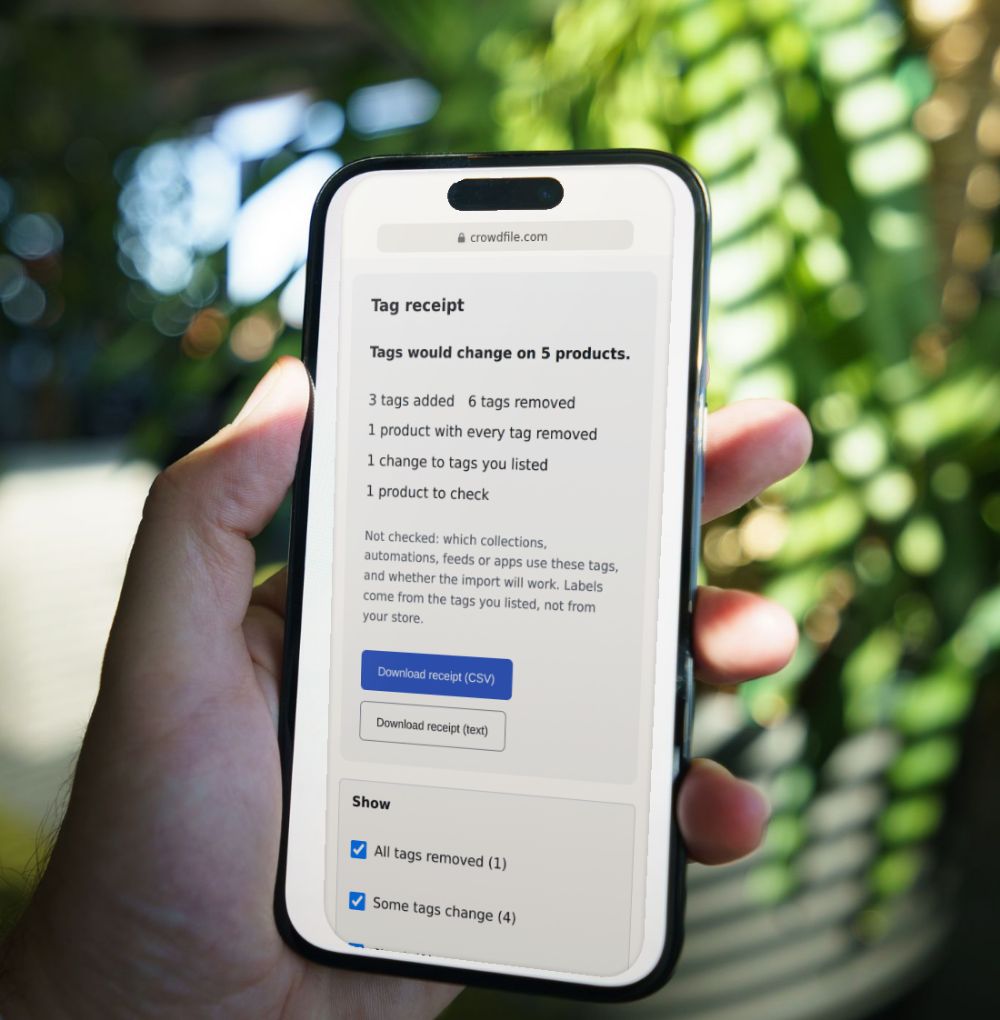
Product Tag Change Preview Released
See which Shopify product tags a CSV import will add or remove
Choose an export of your store and the product CSV you plan to import.
Your files stay in this browser tab. They’re never uploaded, stored or sent anywhere, and the preview never changes them or your store.
How it decides
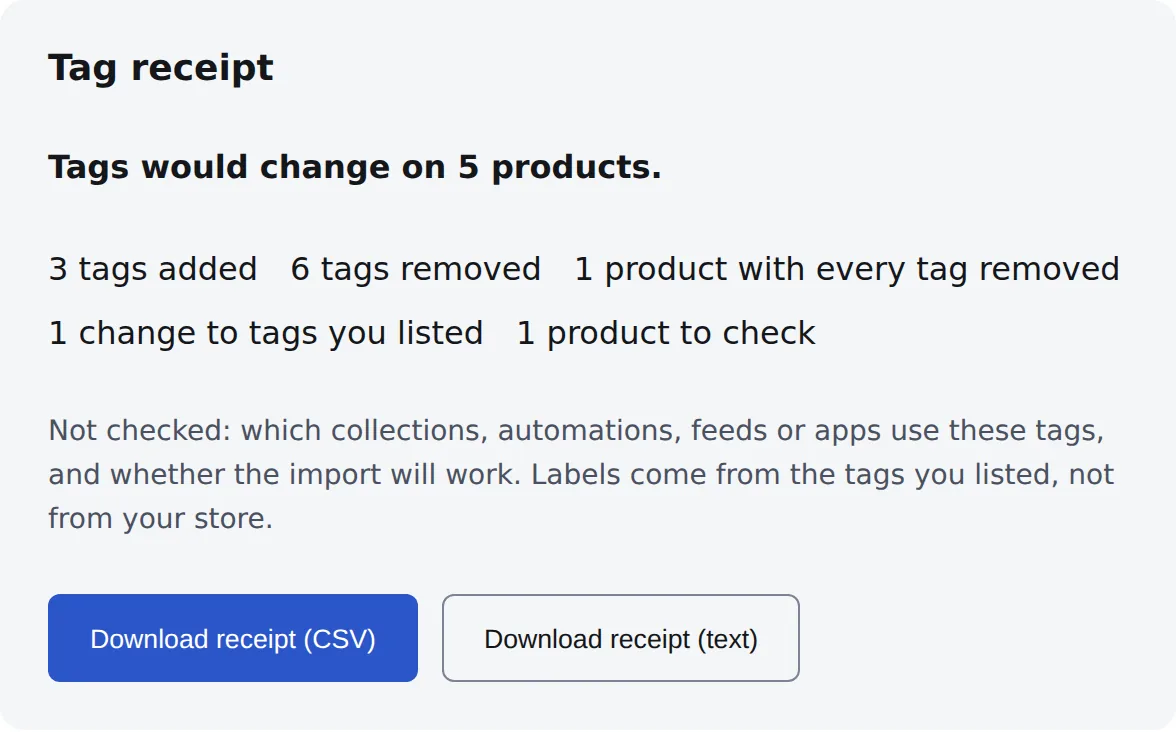
Two files in. Every tag change out.
Each product’s tags now, the tags in your file, and what Shopify’s import would do with them.
1Your two files
2The result
Check your files
Your files
Product export of your store now
A Shopify product export: all products, all columns.
The CSV you plan to import
The Shopify product CSV you’ll give the importer. It needs a Handle column; other columns are optional.
Each file up to 20 MB and 200,000 rows.
How you’ll import
Check the labels: the files don’t record what they are or when they were taken. Crowdfile can’t verify which file is which. Results assume the confirmed roles are correct; reversing the files reverses them.
Tags other things depend on (optional)
Enter tags that your automated collections, automations, feeds or filters use. Changes to these tags are labelled, so you know what to check. The preview can’t read your store, so it uses only the tags you enter.
Clear both files? Your answers and tag list stay.
Choose an export of your store and the CSV you plan to import.
How it works
- Choose an export of your store and the CSV you plan to import.
- Say how you’ll import it, tick the box that names your files, and add any tags your collections or automations use.
- Select See tag changes, then download the receipt as CSV or text.
What it checks
- Tags each product would gain, lose or keep
- Products whose tags would all be replaced or removed
- Tags listed twice, or with different capitalization
- Changes to tags you say something depends on
What it won’t do
- It reads the files you give it, not your store, and it never imports or changes anything.
- It can’t tell which collections, automations or feeds use a tag. It labels only the tags you list.
- It doesn’t say a change is wrong. It shows what would change so you can decide.
- It follows Shopify’s own product import. For other import apps it shows differences, not results.
Questions
Does it change my store?
No. It reads the two files in this browser tab and never connects to Shopify. Nothing is imported, published or saved.
Why would my import remove tags?
With overwrite ticked, Shopify replaces a product’s tags with the Tags cell in your file. Tags that aren’t in the cell are removed, and an empty cell removes them all. To keep a tag, include it in the cell.
What does “Not predictable” mean?
The files can’t show the result. For example, two tags that differ only in special characters, like red-new and red_new, or a file meant for another import app. The preview lists them instead of guessing.
Why does capitalization get a check?
Shopify treats Sale and SALE as the same tag, so nothing is added or removed. The files don’t show which spelling it keeps.
Can it tell me which collections a tag affects?
No. It can’t read your store. Add the tags your collections or automations use to the list, and changes to them are labelled.
Is my data sent anywhere?
No. Your files and your tag list stay in this browser tab. The receipt you download holds only handles, titles and tags.
How to get your files
Your store export: in your Shopify admin, export your products as a CSV file, with all products and all columns. The preview needs the Tags and Title columns.
The CSV you plan to import: the same file you’ll give Shopify’s importer. It needs a Handle column. If it has no Tags column, the import leaves tags as they are.
How Shopify reads the Tags cell: tags are separated by commas in one cell, on the product’s first row. With “Overwrite products with matching handles” ticked, the cell replaces the product’s tags, and an empty cell removes them all.
Privacy
- Your files and your tag list are read by your browser, in this tab. They’re never uploaded, stored or sent anywhere.
- The preview never connects to Shopify and never changes your files or your store.
- The receipt holds handles, titles and tags only, with no prices, inventory or other columns.
- When this page counts visits, it sends only content-free events. It never sends file names, handles, titles, tags, your list, results or counts.
Crowdfile is not affiliated with Shopify.
See your tag changes before you import.
Free. No account.
Choose your files