
Save WebP and AVIF Images as PNG or JPG
- Available
- Browser extension
- Chrome
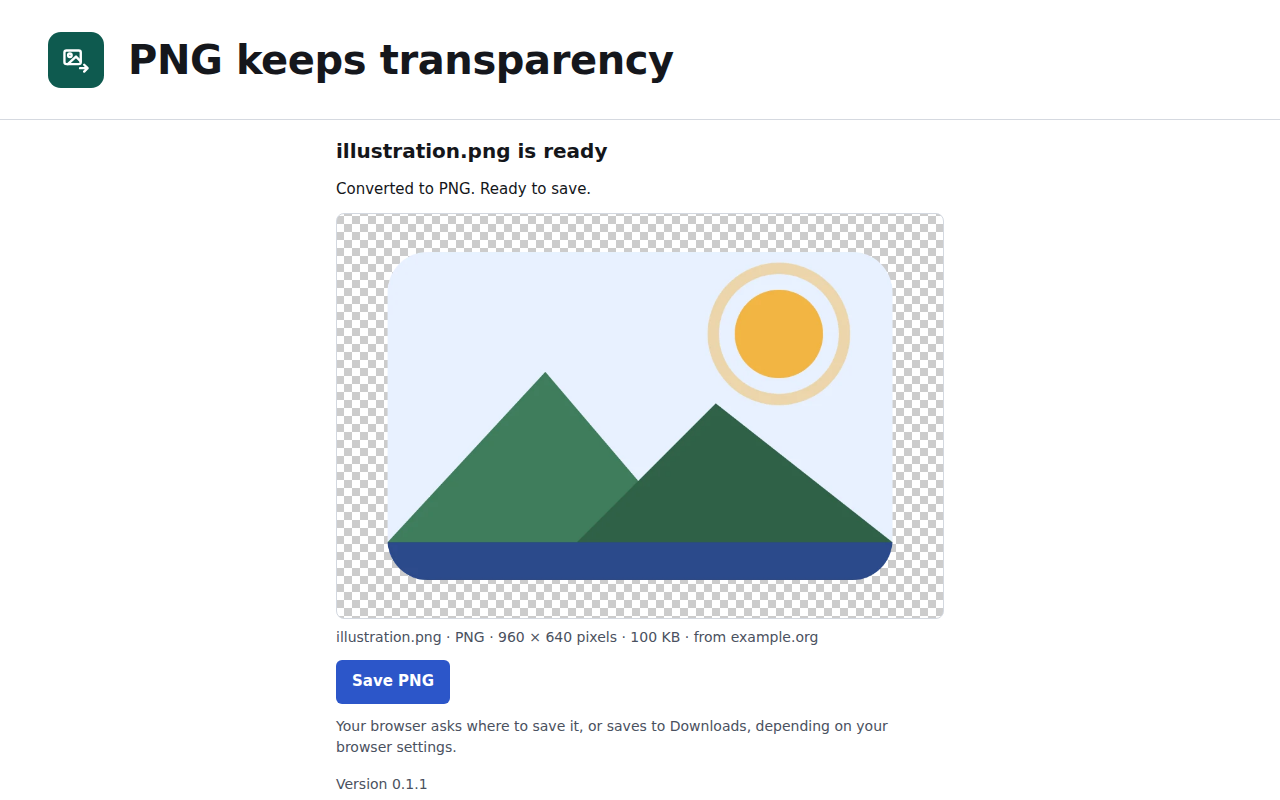
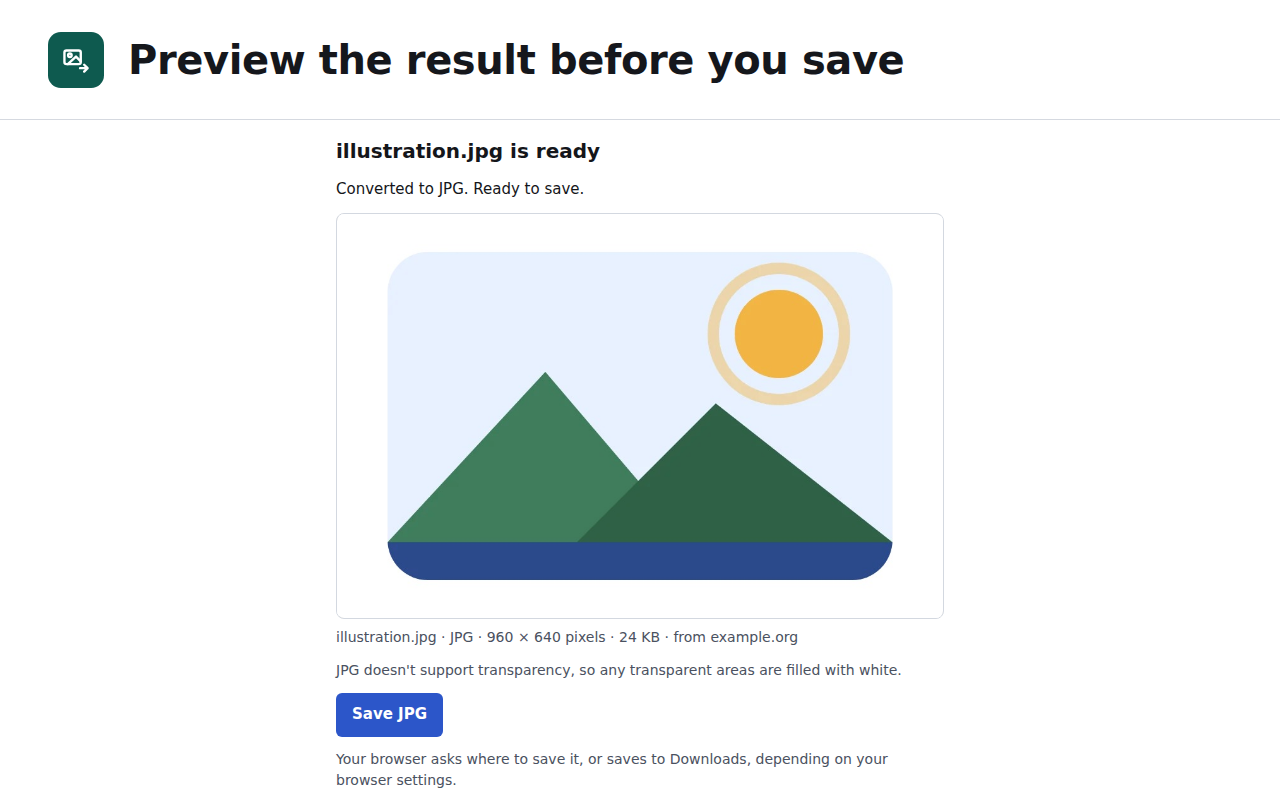
Right-click a WebP or AVIF image and save it as PNG or JPG. Preview the result before you save.
Availability
Add to Chrome (opens the Chrome Web Store)Image Converter is available for Chrome, not for this browser.
Image Converter works on a computer. Send yourself this page and open it on your computer to add it to your browser.
Free.
Preview
Limitations
- Only WebP and AVIF inputs are in scope. PNG, JPEG, GIF and BMP inputs are refused.
- Some sites don’t let extensions read their images. You’ll see a message instead of a broken file. On Firefox, you can allow that one site.
Changelog
- Version 0.1.1 · Chrome